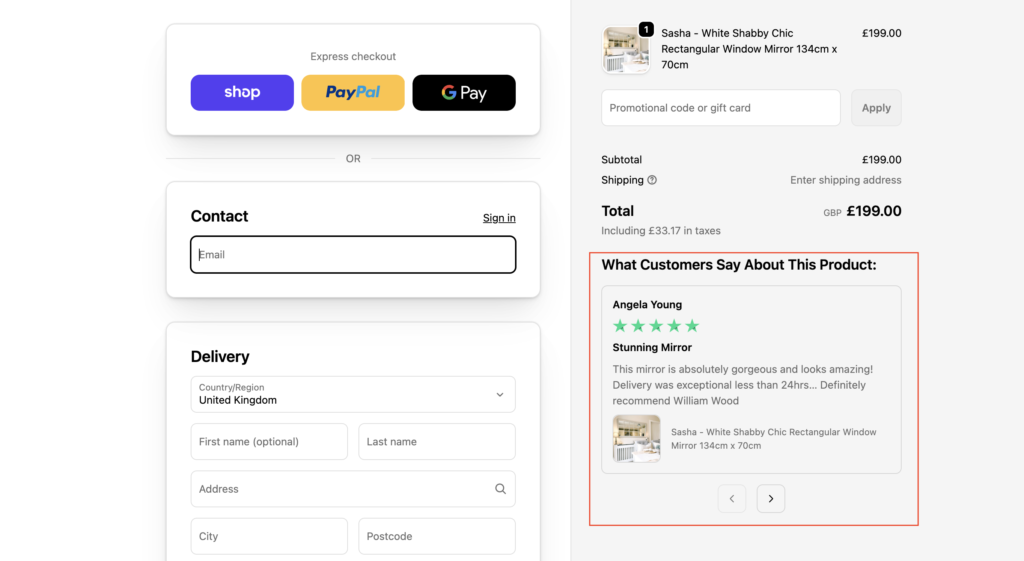
Most Shopify stores treat customer reviews as a product-page job. You collect them, you display them under the product, and you move on. But by the time a shopper reaches checkout — card details on screen, finger hovering over “Pay”, those reviews are long gone from view. And that final moment is exactly where doubt creeps back in.
Is this actually worth it? Will it work for me? Can I trust this store?
We wanted to know whether answering those questions at checkout, with real customer reviews, makes a measurable difference. So instead of guessing, we tested it on a live Shopify store.
The setup
We ran a controlled A/B test on a real merchant, focused on new customers (the group most likely to hesitate, because they don’t know the brand yet). Shoppers were split into two groups:
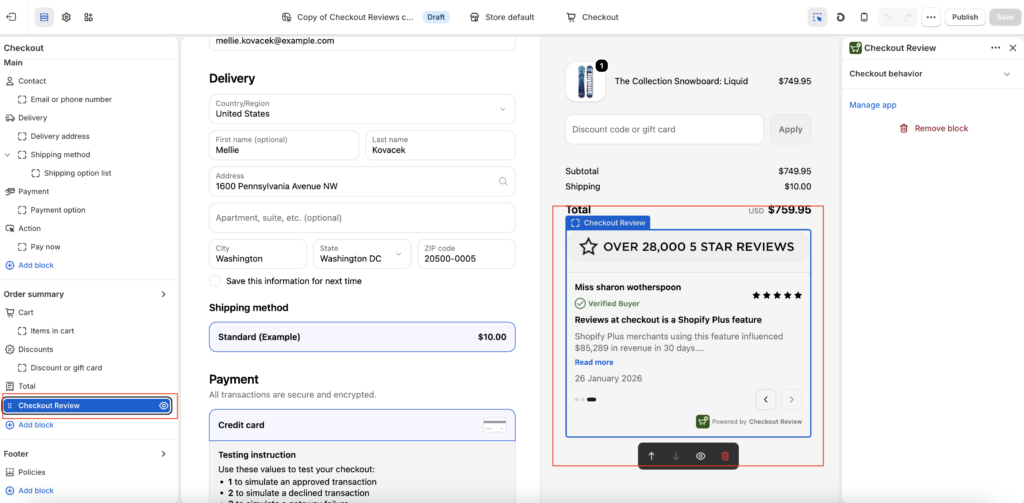
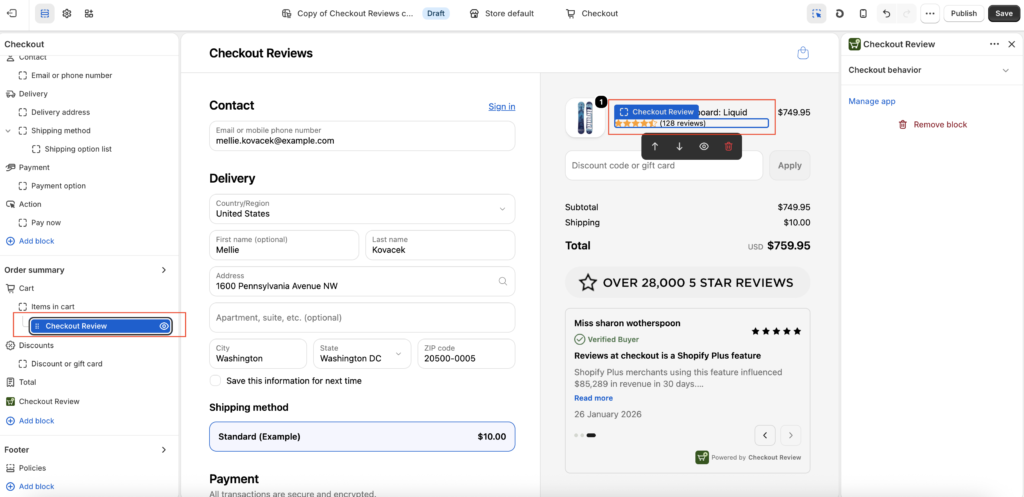
- Group A saw customer reviews displayed at checkout.
- Group B saw the standard checkout with no reviews
Everything else was identical. Same products, same pricing, same checkout flow. The only variable was whether reviews appeared at the point of payment.
The results
After 1,299 sessions and a near-perfect 50/50 split, the difference was clear:
- With reviews at checkout: 13.20% conversion rate
- Without reviews at checkout: 11.32% conversion rate
That’s a 16.6% lift in conversion rate, purely from showing social proof at the right moment.
To put that in plain terms: for every 100 new customers who would normally convert, showing reviews at checkout brought in roughly 17 more. No extra ad spend. No new traffic. Just the right message at the right moment.
Why it works
The product page and the checkout page are two completely different psychological moments.
On the product page, shoppers are exploring. They’re curious, comparing, imagining. Reviews there help them get interested.
At checkout, the mindset flips. They’ve decided they want it, now they’re deciding whether to risk it. That’s when last-second anxiety kicks in, and it’s the single biggest reason new customers abandon a purchase they were otherwise ready to make.
Reviews at checkout meet that anxiety head-on. Seeing that other people bought this, loved it, and came back is the reassurance a hesitant shopper needs to push through. You’re not introducing a new decision, you’re removing a reason to walk away.
What this means for your store
If you’re only showing reviews on your product pages, you’re delivering social proof at the moment of interest but going silent at the moment of decision. That’s a gap, and for new customers especially, it’s an expensive one.
The encouraging part is that this is one of the few conversion levers that doesn’t require more traffic, more budget, or a site redesign. The reviews already exist. It’s about where and when you show them.
The takeaway
Social proof isn’t a product-page feature. It’s a trust tool, and trust matters most at the finish line.
Our test showed a 16.6% conversion lift from a single change: putting reviews where the decision actually happens. Your numbers will vary, which is exactly why testing it on your own store matters more than taking anyone’s word for it.
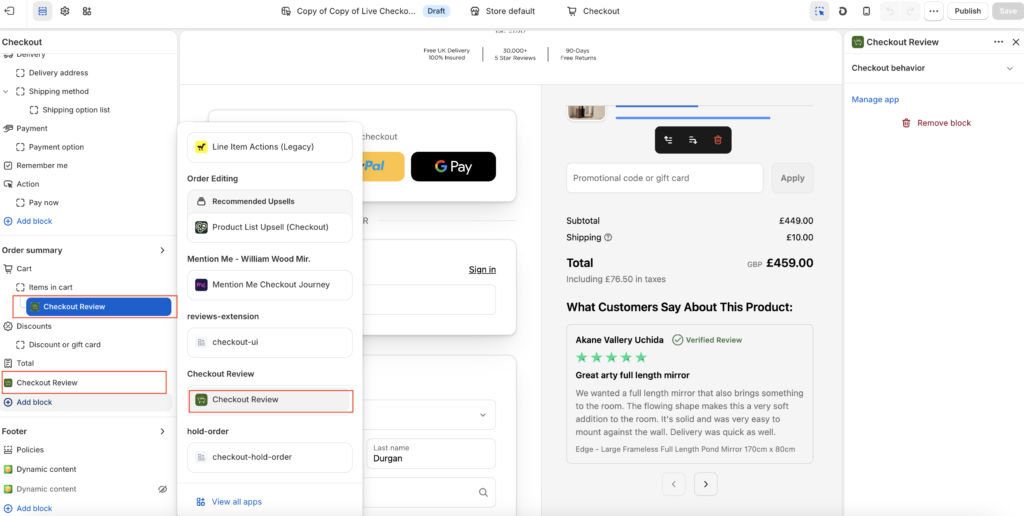
Checkout Reviews lets Shopify Advanced and Plus merchants display photo reviews natively at checkout — and run their own A/B tests to measure the impact on conversion rate, AOV, and revenue. See it on the Shopify App Store.